
AIIRS helps your business scan rooms, review inventory, catch issues faster, and keep a cleaner record of what is on hand.
Open the presentation for a simple walkthrough of how AIIRS helps teams scan rooms, review inventory, and make faster decisions.

 Toast sales and stock signals
.png) Sysco assisted reorder release
Sysco assisted reorder release

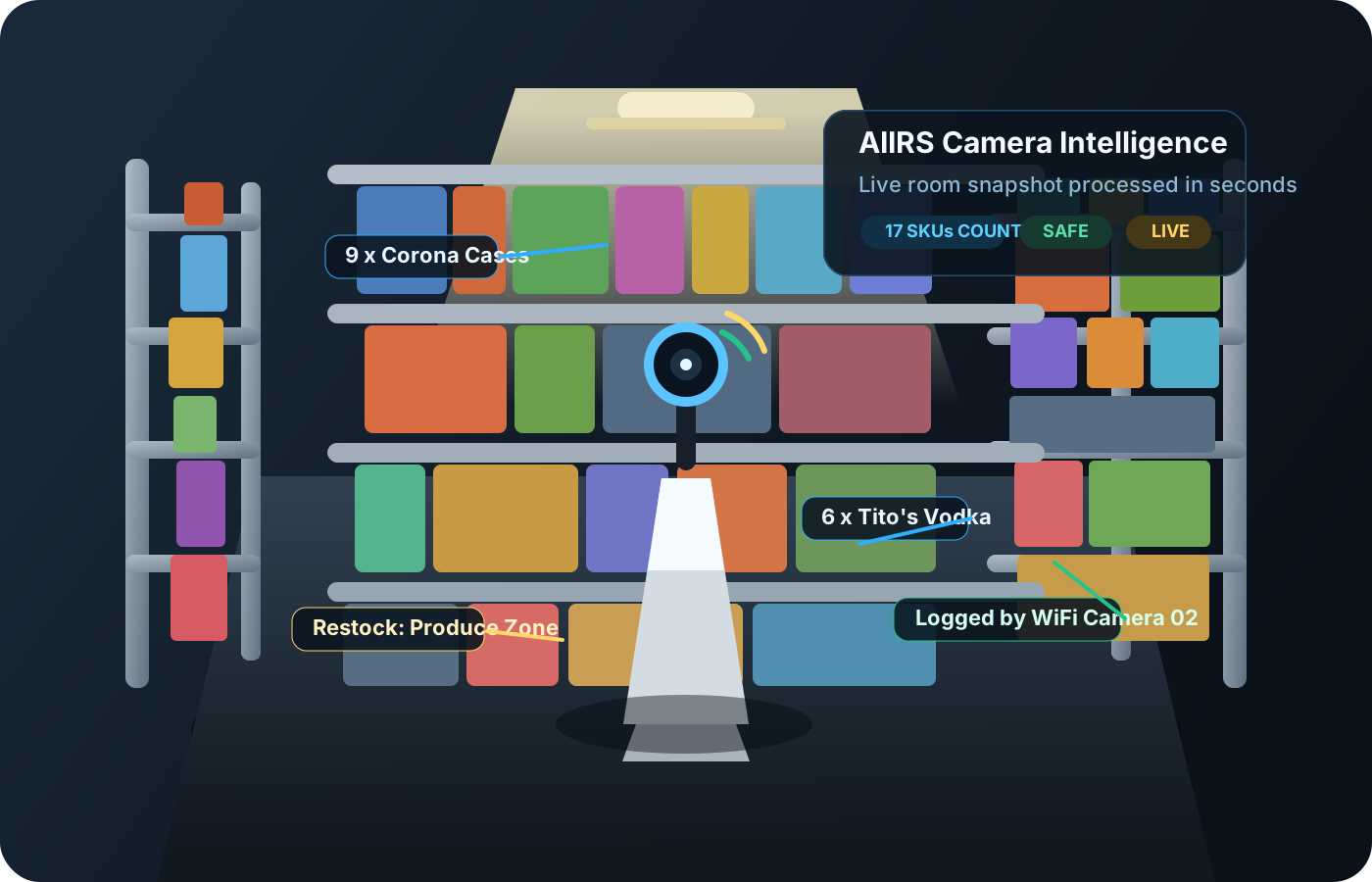

AIIRS turns a room scan into a clear working view with visible item zones, draft counts, organized lists, and the details you need before you save the room.
Bars, kitchens, prep rooms, liquor storage, receiving areas, and serviceware review.
Worksites, warehouse staging, heavy equipment, material deliveries, and manager oversight from tablet and camera coverage.
Receiving lanes, storage aisles, shipping zones, returns, live camera counts, reconciliation, and low-stock alerts.
Showcases, trays, watches, stones, bridal cases, and other high-value inventory.
Tobacco, cooler stock, drinks, counter goods, paper goods, snacks, and cleaning supplies.
Medication rooms, pharmacy shelves, hospital supply closets, PPE, receiving, expiration review, and manager-approved replenishment.
Stores like CVS and Walgreens: start with one store, let the user admin add more locations, then grow into multi-site rollups, whole-store purchase tracking, receiving, backroom overstock, shrink review, and manager-approved replenishment.
Property inspections, repair tags, room-by-room documentation, asset records, and private reports with optional future AR overlay support.
Bedrooms, kitchens, offices, garages, storage rooms, and everyday room inventory records.
Need the privacy statement? Review the shared AIIRS privacy page, including Snap-AIIRS Property Scan.
Upload room photos or camera snapshots and AIIRS helps identify inventory layout, safety concerns, and areas that need review.
Upload a purchase order and AIIRS pulls vendors, products, quantities, and delivery expectations into a usable review.
Upload delivery invoices and photos so AIIRS can compare them against the original order and flag discrepancies.
Quickly mark damaged or rejected inventory and generate delivery discrepancy reports.
Track expected delivery times against actual arrival so your team has a cleaner record of vendor performance.
Use Toast sales, orders, and stock signals to show what is moving, let AIIRS prepare the assisted reorder, compare deliveries, and track waste or damage before the manager completes release in Sysco.
AIIRS is designed to grow into a living inventory system with future integrations for shelves, cookware, sensors, and smarter tracking.
AIIRS helps your team move from room scan to review and follow-up without chasing paperwork or rebuilding the list by hand.
Upload the vendor purchase order and let AIIRS pull in the line items automatically.
Add the invoice so AIIRS can compare it to the original order.
Add delivery photos or room scans so AIIRS can visually review what actually showed up.
Review the report AIIRS creates for missing items, damage, mismatches, and follow-up decisions.
AIIRS works best when the subscription matches how your team actually operates. Start with the core inventory workflow, add deeper review and oversight tools as you grow, and turn on Snap-enhanced capture only when you want branded or premium camera guidance inside the AIIRS experience.
For teams that need room capture, organized reviews, and a clean starting point for inventory visibility.
Best fit for early pilots, smaller teams, and businesses proving the workflow first.
For operators who want AIIRS to do more of the day-to-day visibility, reconciliation, and exception handling.
Best fit for teams using AIIRS regularly across multiple rooms, locations, or operating lanes.
An optional premium add-on for businesses that want branded camera overlays, guided lens experiences, and future share-ready capture moments layered into AIIRS.
Best fit for premium demos, branded field workflows, and teams that want a more guided camera experience.
See how AIIRS can help your team scan faster, review smarter, and keep a clearer inventory record.